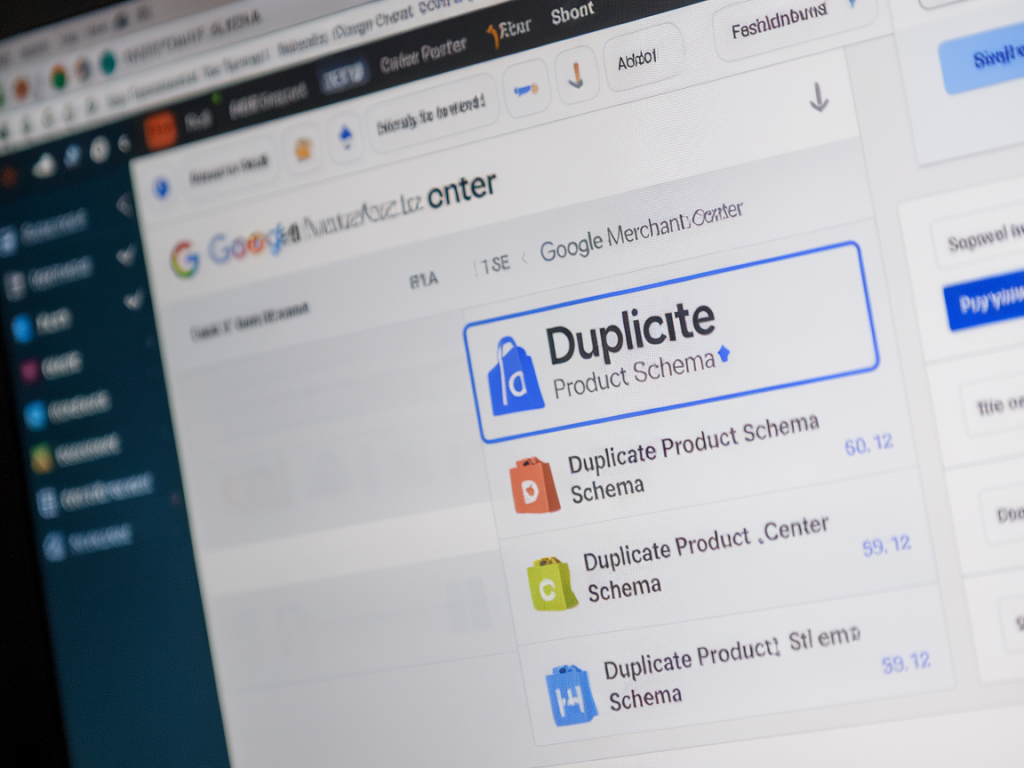
I ran into a frustrating issue recently: my Google Merchant Center (GMC) feed stopped showing rich results for products, and the Diagnostics page blamed duplicate product schema. If you've seen warnings like "Duplicate structured data" or noticed that product rich snippets disappeared from Shopping and Search, you're not alone — this is a surprisingly common problem when Shopify + third-party apps both inject product schema. I want to walk you through how I debugged it, what I changed, and the steps you can take right now to restore rich results.
Why duplicate product schema blocks rich results
Google looks for clean, authoritative structured data to generate rich results. When the crawler finds multiple conflicting product schema blocks (for example, two JSON-LD objects with the same product name but different prices, availability, or SKU), it can decide not to show any rich results at all. In my case, Shopify's theme, an SEO app, and the product feed generator were all adding JSON-LD. The result was noisy and contradictory markup.
Where duplicates usually come from
- Shopify themes that include built-in JSON-LD for product pages.
- SEO apps (e.g., JSON-LD for SEO, Schema Plus) that insert their own JSON-LD.
- Feed apps or plugins that add structured data for Google Shopping.
- Hard-coded JSON-LD in theme templates combined with app snippets.
- Variants being output multiple times with slight attribute differences.
How I identified duplicate schema on Shopify
First, I inspected the page source and used these tools:
- Chrome DevTools > Elements to search for <script type="application/ld+json"> blocks.
- Google Rich Results Test and Schema Markup Validator to see conflicts and warnings.
- GMC Diagnostics to confirm problems with the feed and whether Google treated items as eligible.
I pasted the page HTML into the Rich Results Test and saw two product objects. One came from the theme (theme.liquid or product.liquid snippet), the other from an app (usually added via the ScriptTag API). The app's markup had a slightly different price formatting, which likely triggered the duplication detection.
Immediate steps to stop duplication
- Locate all JSON-LD sources: Search your theme code for "application/ld+json" and check the app settings that mention structured data.
- Decide on a single source of truth: I chose to keep the Shopify theme's JSON-LD because it already included accurate variant info and matched our storefront display.
- Disable schema generation in apps: Many SEO or feed apps include a toggle to disable structured data — use it.
- Remove hard-coded schema: If your theme or custom templates create duplicate entries, edit them to avoid emitting more than one product object.
- Use canonical product IDs: Ensure your structured data includes stable product identifiers like "sku", "gtin", and "mpn" where applicable.
Shopify-specific fixes I applied
On Shopify, the fixes can be applied via the theme editor or app settings:
- In the Shopify theme code, I opened snippets/product-jsonld.liquid (or similar) and confirmed the format matched Google's recommended Product schema.
- I disabled JSON-LD output in the SEO app (Yoast for Shopify alternatives, Schema & Structured Data apps, etc.).
- If disabling the app's JSON-LD wasn't possible, I contacted the app support to ask for a feature toggle — many vendors know this issue and provide a workaround.
- I also audited other apps (reviews, price comparison, bundles) because some inject product schema for their own features.
Testing and validating changes
After removing duplicates, I republished changes and used these verification steps:
- Run the URL in Google Rich Results Test — wait for the test to finish and ensure only one Product object appears.
- Use the Schema Markup Validator to detect remaining warnings.
- In GMC, inspect the Diagnostics and the "Products" tab; remediation can take a few days after Google re-crawls.
- Request indexing in Google Search Console for affected product pages to speed up reprocessing.
Common pitfalls and how I overcame them
- Apps re-adding markup after updates: Some apps re-insert schema after updates. I set a monthly audit reminder and added a small comment in the theme code to note that only theme JSON-LD should remain active.
- Variant duplication: When variants were output as separate product objects, I standardized the structured data to use one Product object with offers for each variant (as recommended in Google's docs).
- Price mismatch between feed and page: Ensure your feed price and product page price match exactly (including decimals and currency). GMC rejects or demotes items when feed data conflicts with site markup.
Practical checklist you can use right now
| Check | Action |
|---|---|
| Multiple JSON-LD blocks | Search source code, keep one, disable others |
| App-generated schema | Disable in app settings or contact support |
| Feed vs page mismatch | Align prices, availability, currency |
| Missing identifiers | Add GTIN, MPN, SKU where available |
| Google Diagnostics errors | Fix markup and request re-crawl in Search Console |
When to involve support or a developer
If your store uses a complex theme or many apps, or if fixes involve Liquid templates you're not comfortable editing, bring in a developer. I also escalated to app support when the app's UI didn't provide a toggle. If Google keeps showing duplicate errors after you've cleaned up markup, open a support case in GMC and provide page examples — sometimes Google's crawler caches older versions and needs a nudge via reindexing.
Final notes from my experience
Structured data feels technical, but the core idea is simple: make sure there's one accurate, complete Product object per product page and ensure your feed matches your storefront. On Shopify, this often means choosing either the theme or the app to be the sole schema provider. After I cleaned up duplicates and aligned feed data, rich results gradually returned in GMC and product snippets reappeared in searches. If you want, I can review a product page's markup — paste the URL and I'll point out likely duplicate sources.